Troubleshooting
Sensor not connecting
Check the connection, power, and pairing for your sensor.
If you are having trouble connecting to the sensor, quit the Ruby app completely and reopen it.
If you are still having trouble connecting after a few seconds, plug it in to charge using the included cable and power bank.
If you see a green LED after a few seconds, the sensor is powered on.
If the sensor still does not connect, forget and pair the sensor again.
You can reach out to support at support@rubybowling.com and we will try to troubleshoot the issue with you.
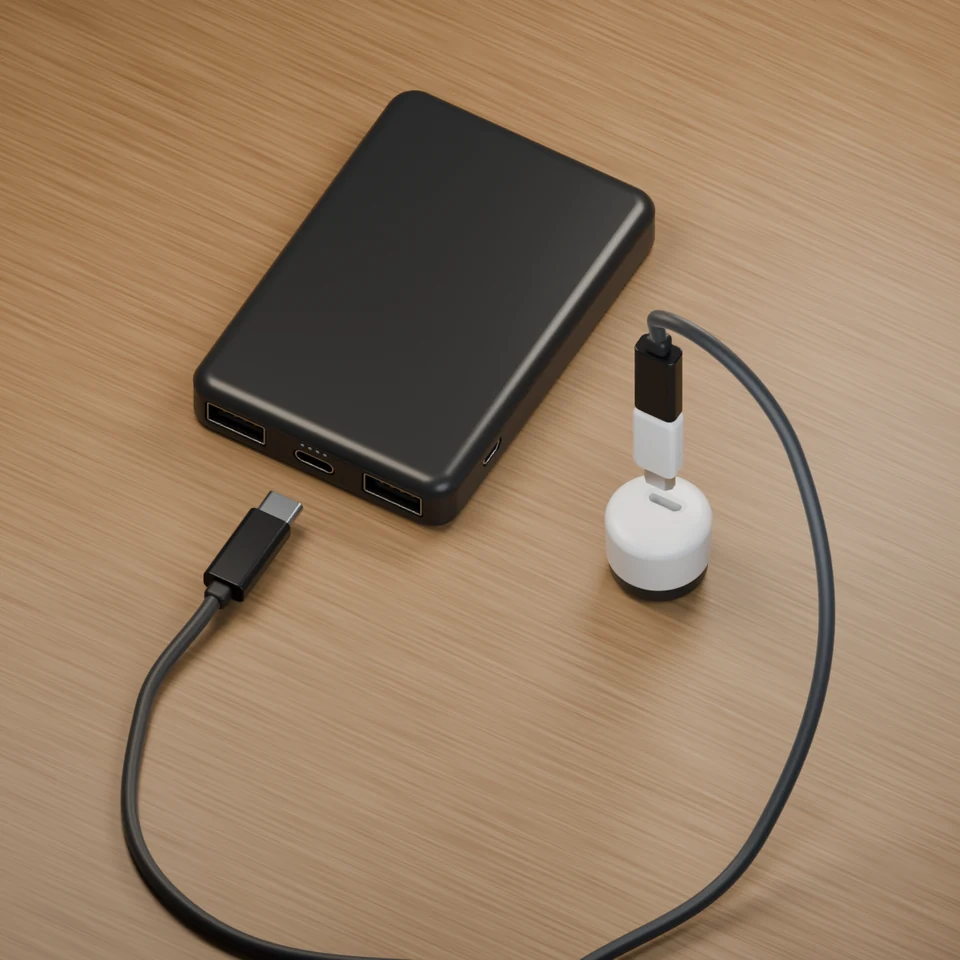
Charge sensor outside the ball
Black cable end
Plug into the center port on the power bank
White cable end
Plug into the sensor