01
Open Settings
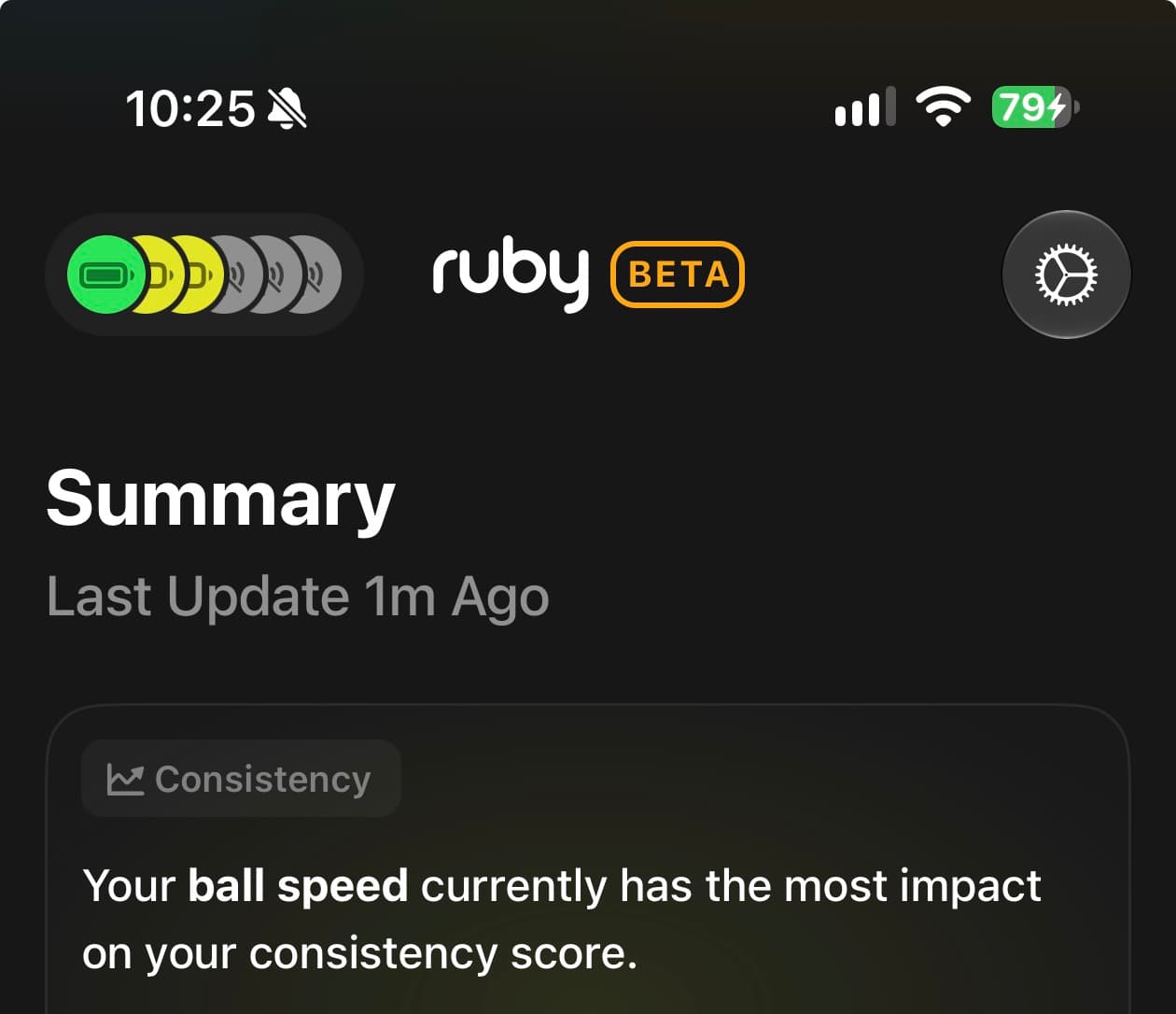
From the Summary screen, tap the settings gear icon in the upper-right corner.
You can permanently delete your account and its associated data from the Ruby mobile app in a few simple steps.
In the mobile app
From the Summary screen, tap the settings gear icon in the upper-right corner.
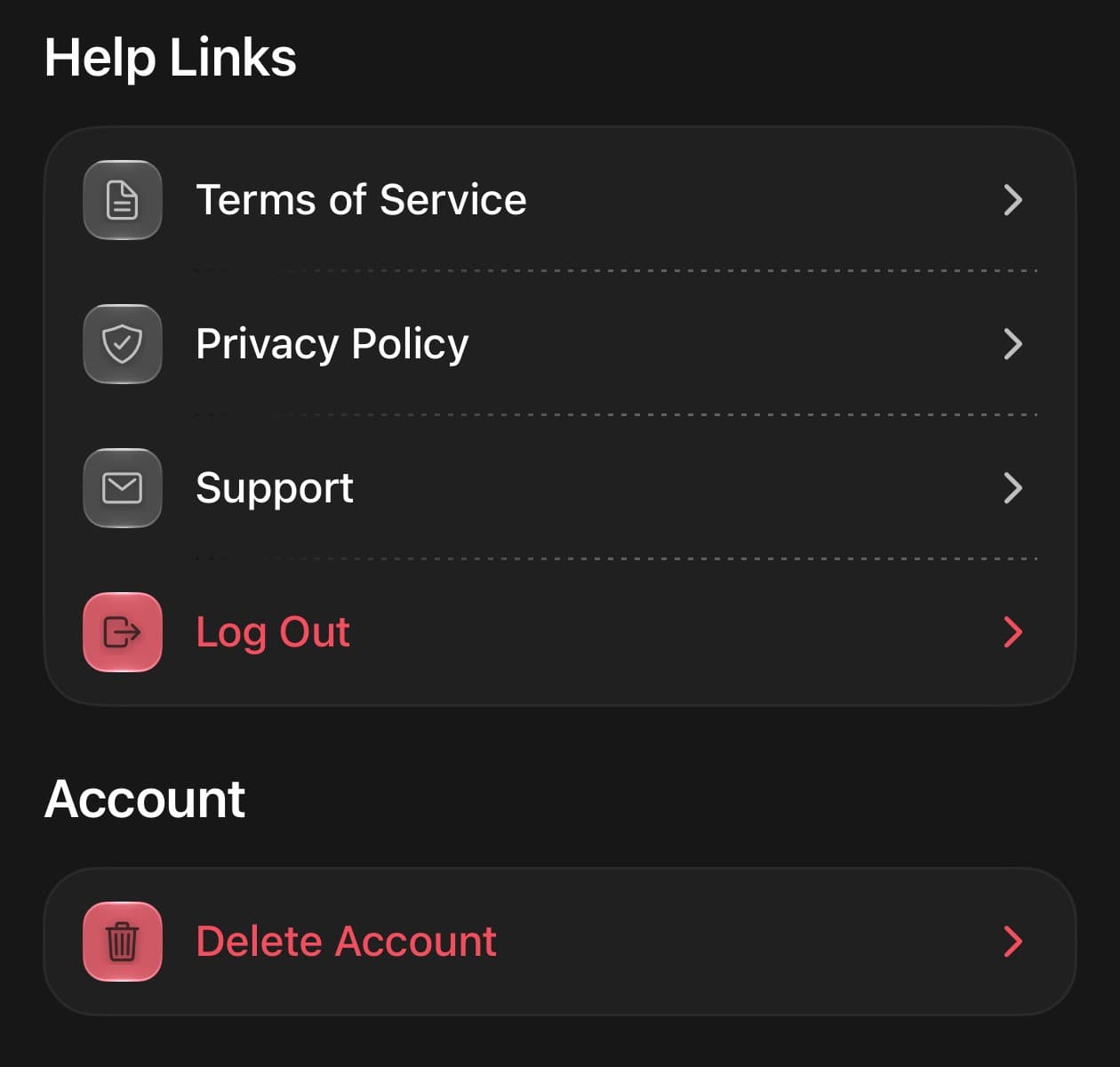
Scroll to the Account section at the bottom of Settings, then tap Delete Account.
Read the final confirmation in the app carefully. Confirm only when you are ready to permanently delete your account.